On this page
On this page
GNSS Master (Android)
GNSS Master enables any Android app using GPS to access RoboDot's high-accuracy positioning. Android apps that do not support external GNSS natively but can work with GNSS Master include:
- ArcGIS Field Maps
- Google Maps
- Apglos
- Google Earth
- Avenza Maps
- KML/GPX tracking apps
- Matidor
- Most navigation and mapping apps using Android location services
Android Setup
- Install GNSS Master
- Enable Developer Mode on Android device
- In Settings, About: Find "build number"
- Tap "build number" several times
- Turn on Mock Location setting
- Find the newly created Developer Options in Settings
- Look for "Allow mock locations" or "Select mock location app"
- Select GNSS Master as location source
- Run GNSS Master and your GIS application
GNSS Master Setup
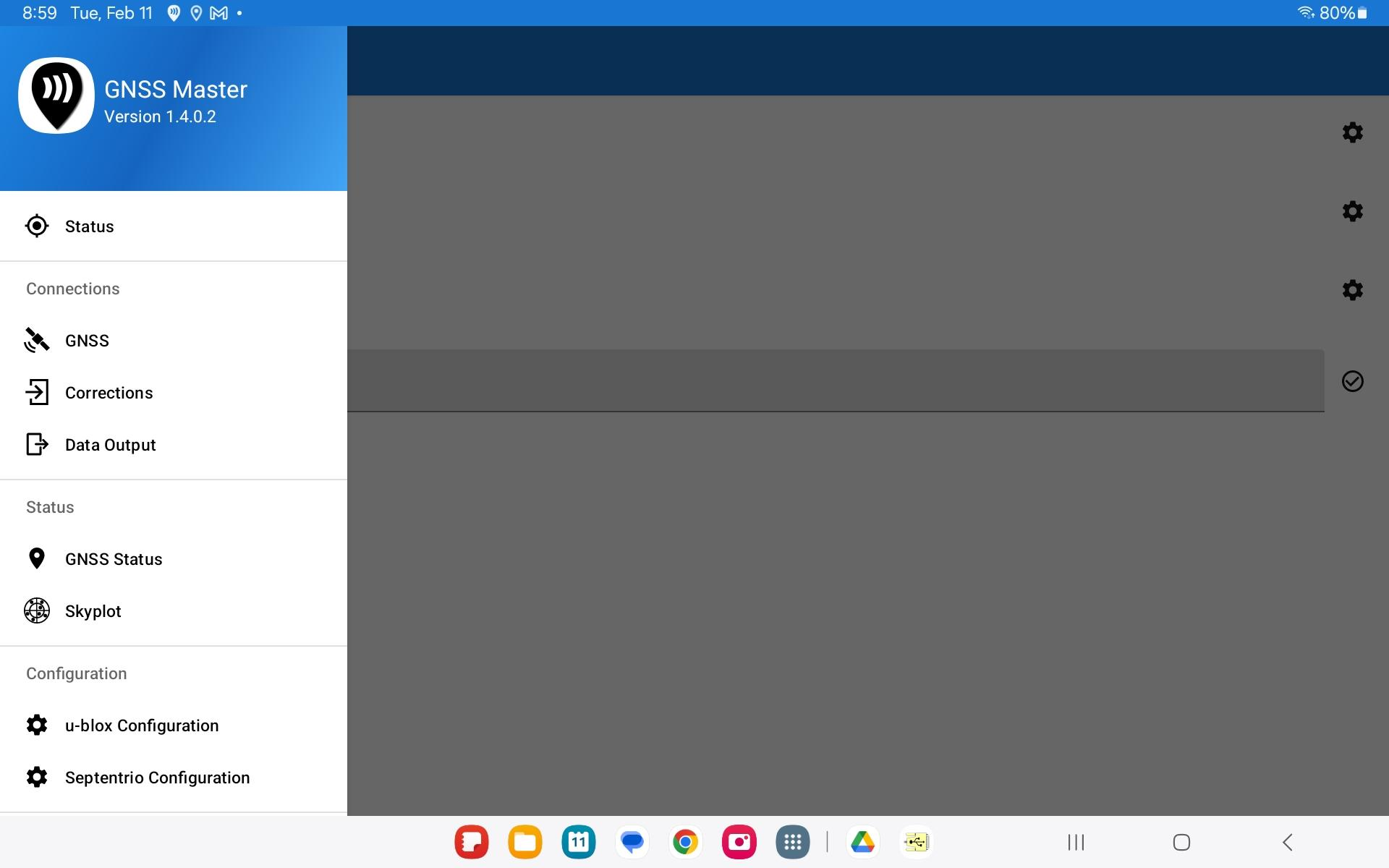
GNSS Master Main Page
- Under Status
- Turn on Mock Location slider
- Under Connections, GNSS, select and connect your input source:
- Serial
- 115200 baud
- TCP
- Use the IP on RoboDot screen, Port 1000
- BLE
- Serial
- Under Connections, Corrections, configure and connect the correction source:
- Typically an internet based VRS
GNSS Master sends RoboDot’s position to Android location services and relays corrections from the configured VRS service back to RoboDot. The Android device supplies the internet connection.